House Model
One house, and the angles that sell it, one tap apart.
A single property on its own plot. The buyer turns it freely, or jumps straight to the viewpoints that matter — entrance, garage, rear garden — without hunting for the angle in a photo set.
Try it yourself
If the model does not load, open it directly: https://mirage.cognileap.app/houses/the-highlander/elevation-a
At a glance
- Guided viewpoints
- 3
- Works on
- desktop · tablet · phone
- Buyer setup
- none — a link
What it replaces
- A photo set that never shows the angle the buyer wants
- A first visit booked purely to see the outside
- A flat render that tells the buyer nothing about the plot
What happens when they touch it
Each frame is the state the model reaches after one tap. This is the part a screenshot cannot carry — on screen it happens in front of the buyer, in about a second.
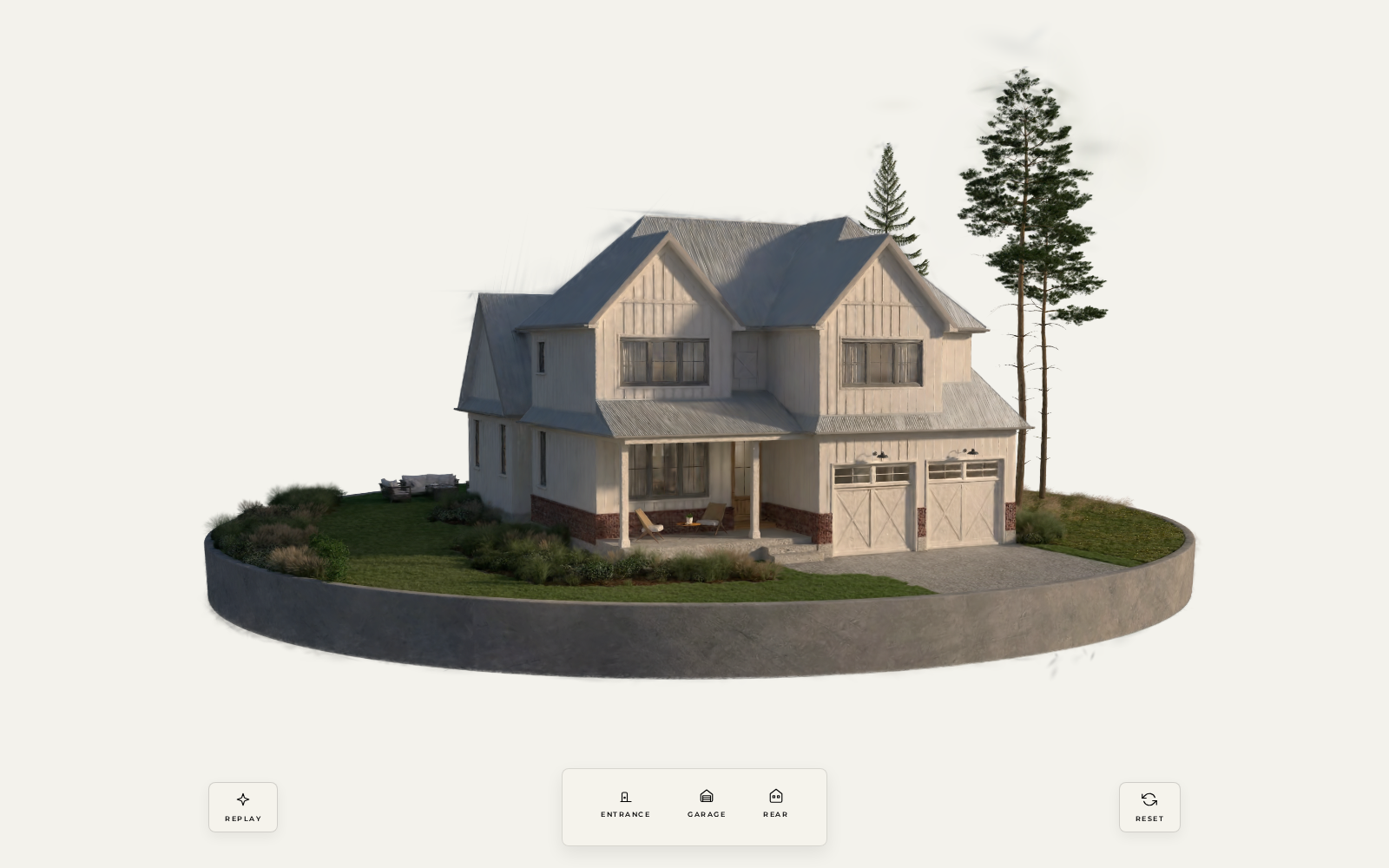 01
01They doOpen the link
It doesThe house is there on its plot, already turnable. No app, no account, no loading screen to sit through.
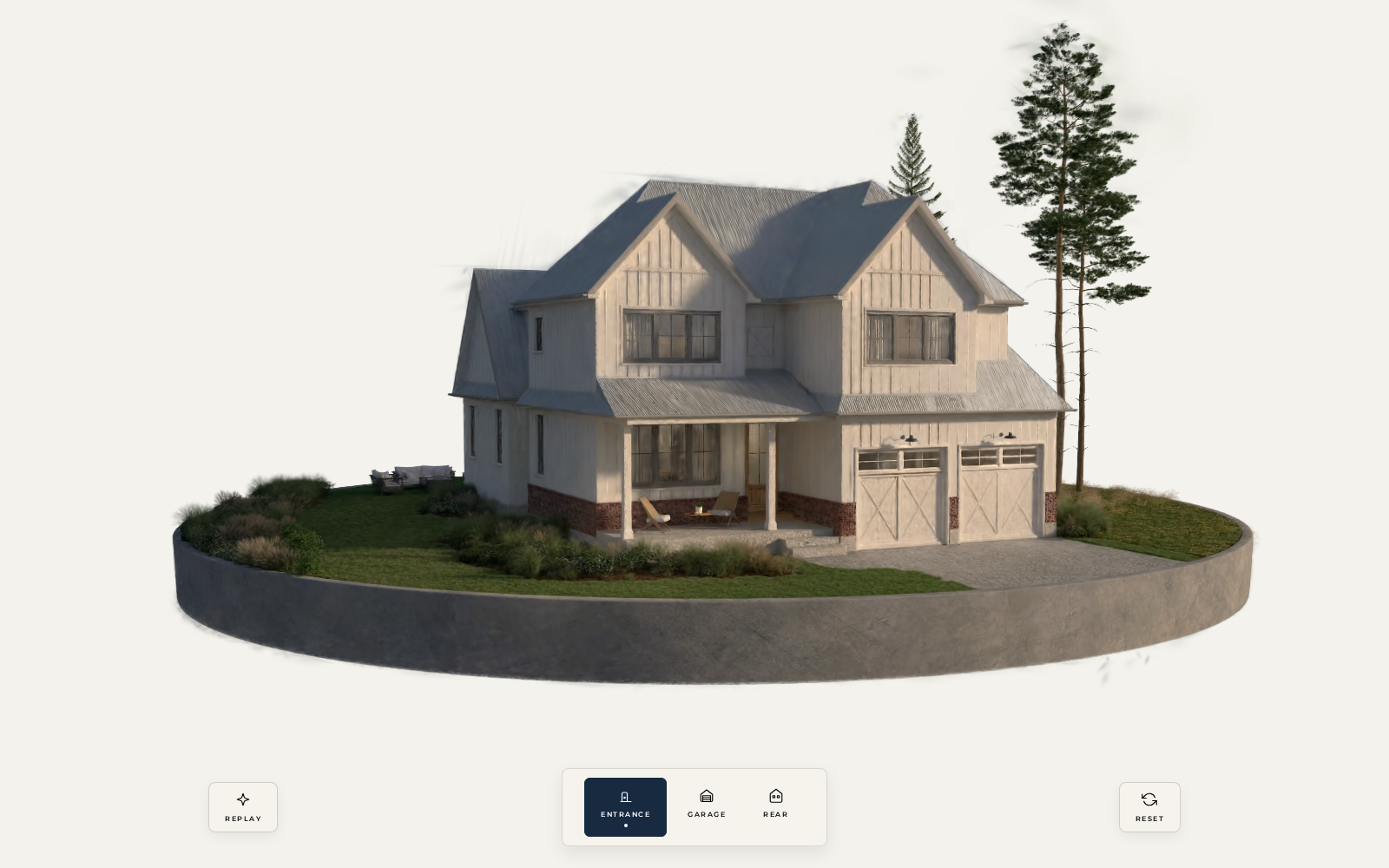 02
02They doTap ENTRANCE
It doesThe camera travels to the front elevation and the button stays lit, so the buyer knows where they are.
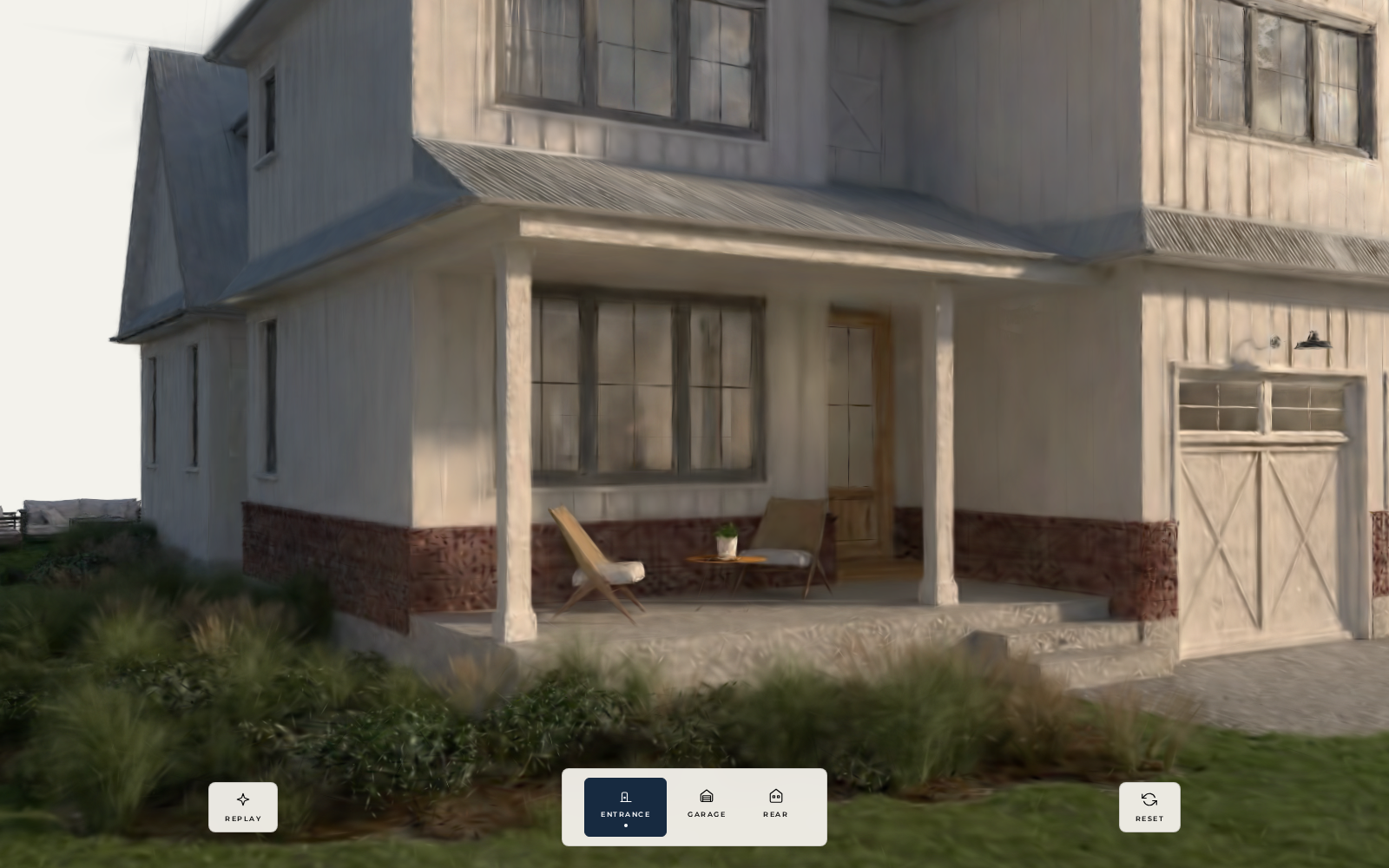 03
03They doTap GARAGE
It doesIt swings round to the driveway approach — the question every buyer with two cars asks first.
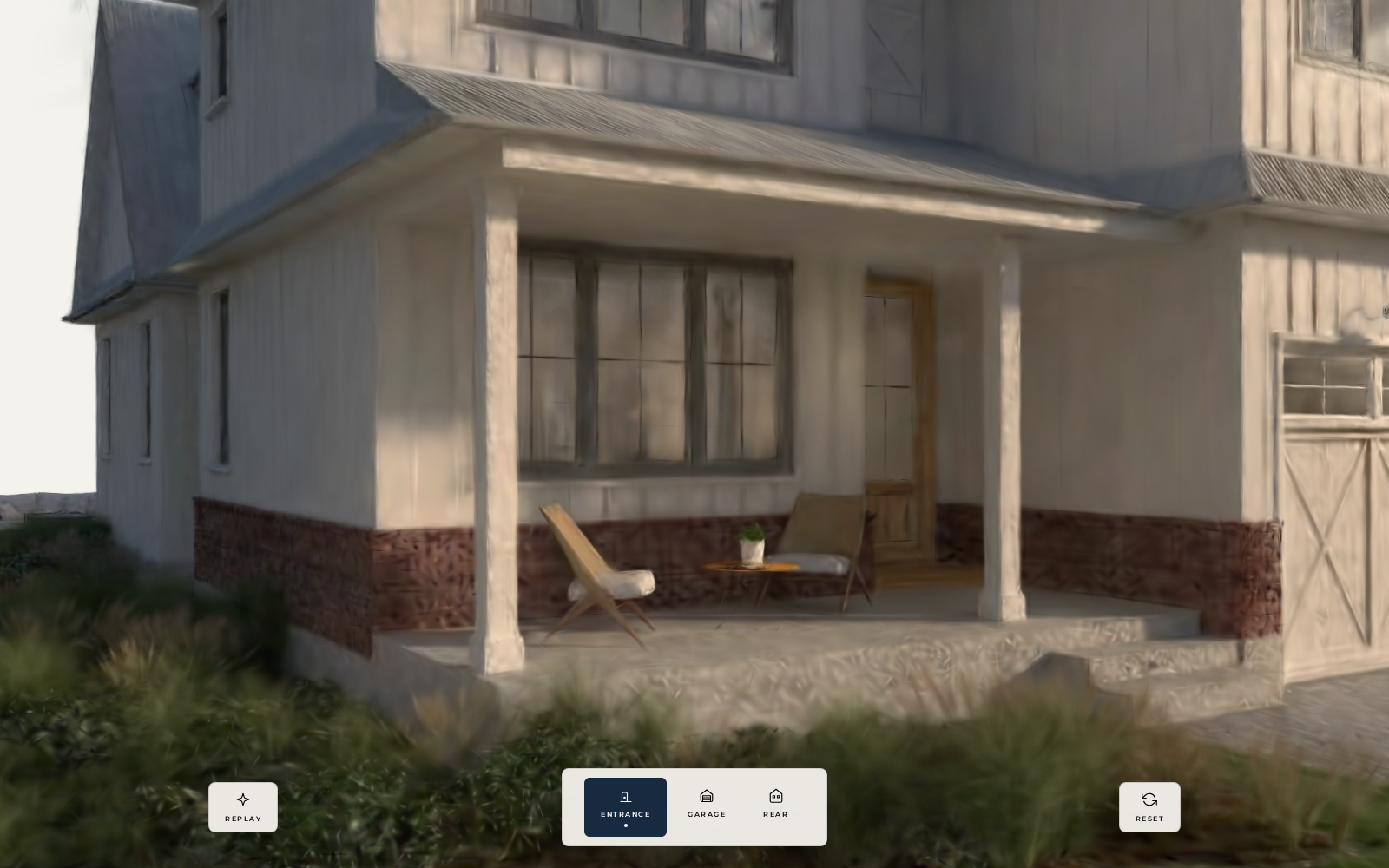 04
04They doTap REAR
It doesThe garden and terrace, from the angle a photographer would need a ladder to get.